
Cash Drawer Won't Open Mid-Shift? A Step-by-Step Fix Guide
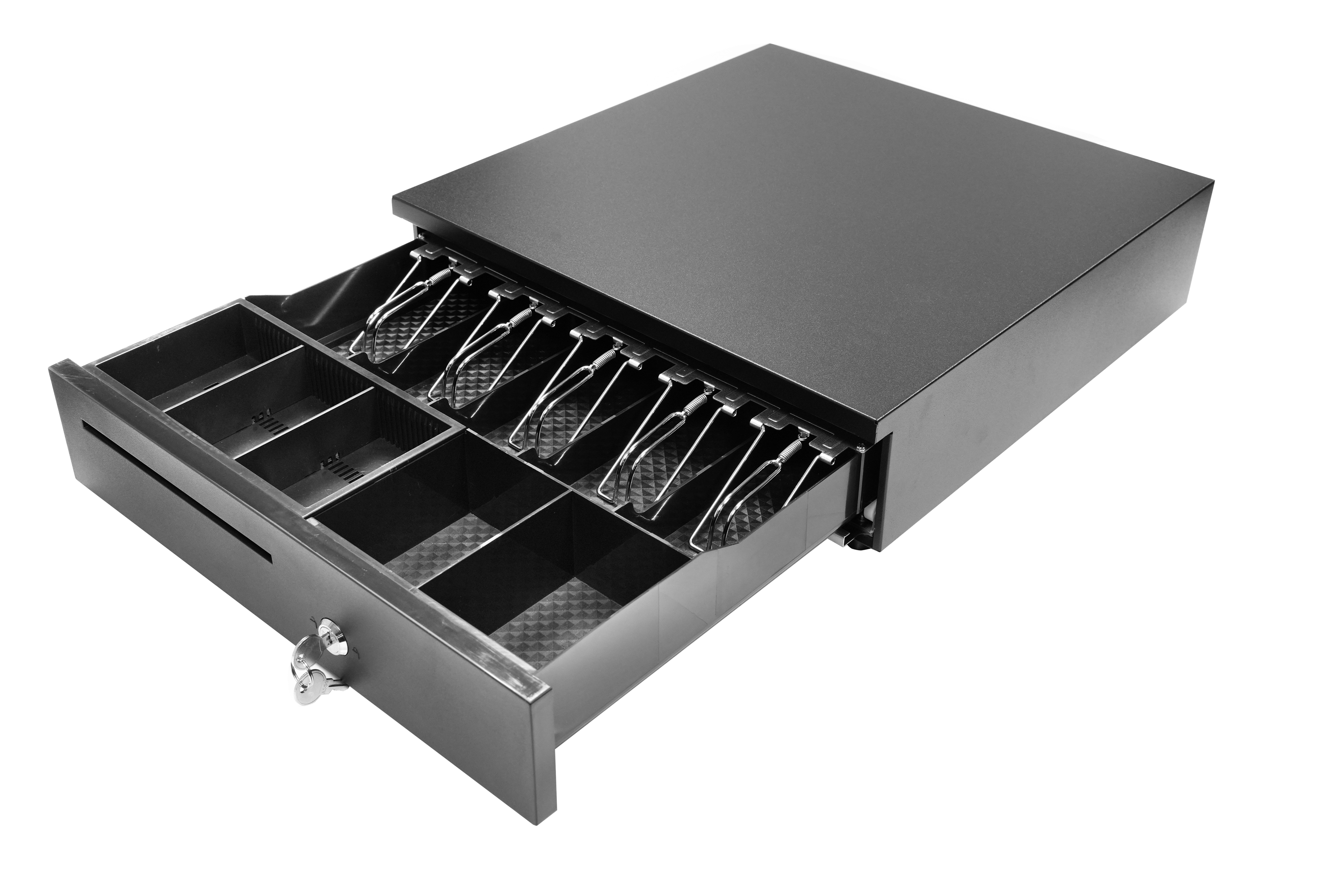
A printer-driven POS cash drawer: the till only opens when the full trigger chain — printer, cable, solenoid and latch — works together.
At 12:40 on a Saturday, lane three stops. The customer's change is counted, the receipt has printed, and the drawer will not move. The queue builds, a supervisor is called, and somebody goes looking for a screwdriver. In most stores the incident ends with a service call or a rushed replacement order — yet a large share of these failures come from something far cheaper than a dead unit: a key in the wrong position, a connector that has worked loose, a damaged RJ11/RJ12 cable, or a printer that has stopped sending the trigger.
This guide is a diagnostic sequence for that moment. It walks from the cheapest check to the most expensive one, explains what each result means, and then shows how to confirm that a replacement drawer will actually fit — physically and electrically — by comparing the LAS-335, LAS-405 and LAS-410G dimensions, weights and compartment layouts. It is written for POS operators, store managers and system integrators working in retail, restaurant, supermarket and hospitality environments.
What "won't open" is telling you before you touch anything
A drawer failure is not a single fault. The symptom itself narrows the search, and sorting the incident correctly at the counter saves the most time. Four signatures cover most cases:
- Silent failure. No click from inside the drawer when the open command is issued. The trigger is not arriving, or the solenoid is not receiving power.
- Click, but no travel. The solenoid fires and the drawer does not move. The fault is mechanical — latch, till alignment or an obstruction.
- Key opens it, POS does not. The lock and drawer mechanics are healthy; the problem sits in the electrical chain or in the trigger configuration.
- Intermittent. Works for hours, then stops. Usually a loose connector, a damaged cable, or a supply sitting at the edge of its range.
Each of these removes part of the system from suspicion. That is the logic behind the five checks below: confirm or eliminate one link at a time instead of replacing parts by guesswork.
Why the trigger chain, not the drawer body, is where the fault usually sits
A POS cash drawer is a peripheral at the end of a chain: POS software, then the printer or terminal driver, then the drawer port, then the RJ11/RJ12 cable, then the solenoid inside the drawer, then the latch. The drawer body contains no intelligence of its own. It opens when it receives the pulse and stays shut when it does not.
The category is still dominated by that arrangement. A 2026 commercial market report estimates printer-driven cash drawers at 48% of revenue share, so in most checkout lanes the receipt printer is literally the switch that opens the till. It is also why a printer swap or a driver update can look exactly like a drawer failure, even though nothing inside the drawer has changed.
Electrical detail is not universal across the category either. LASPACK's current listings specify 12V/24V operation over an RJ11/RJ12 receipt-printer interface for the LAS-335, LAS-405 and LAS-410G, while published documentation for other products in the same category includes different solenoid voltages and six-pin RJ12 connectors. The practical rule is simple: match voltage and connector to the label on your own unit and to the device driving it, and never assume that a cable which physically fits is a cable which will work.
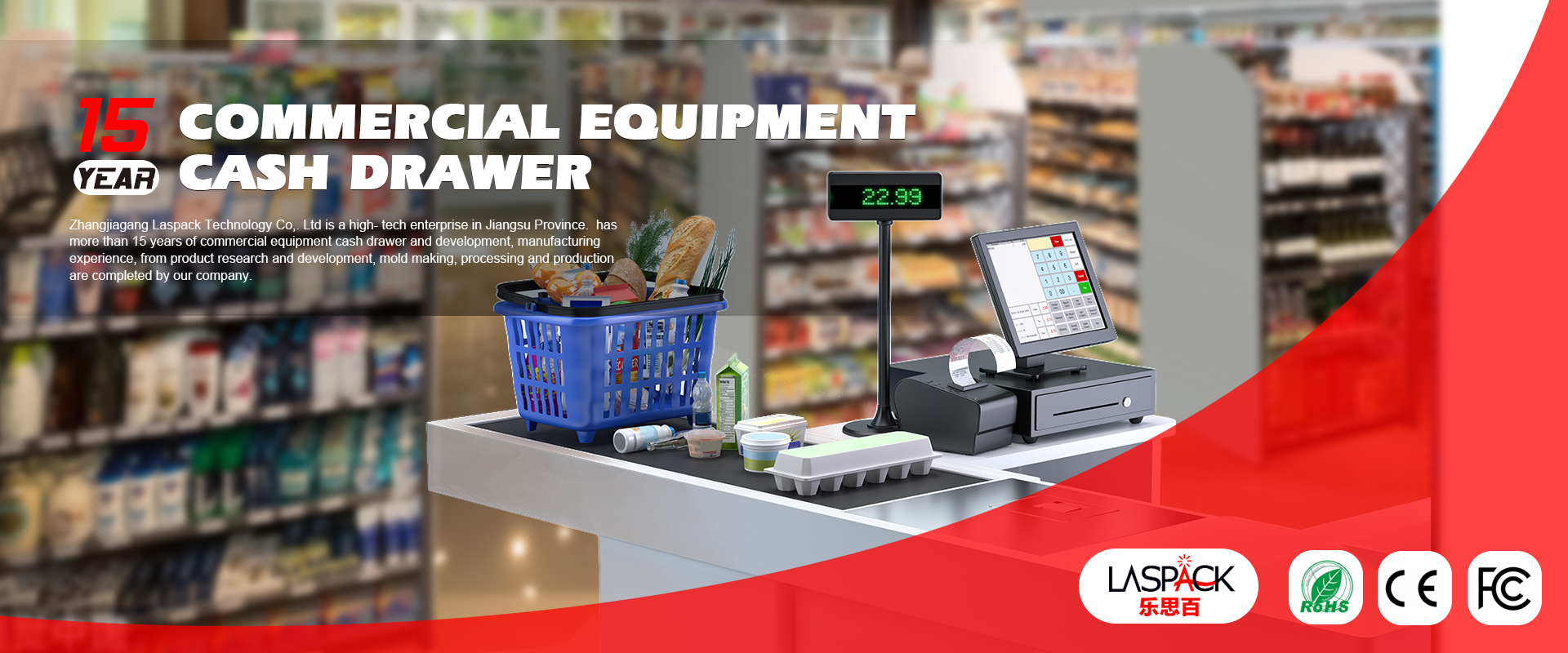
LASPACK (Zhangjiagang Laspack Technology Co., Ltd.), a cash drawer manufacturer founded in 2013 and based in Zhangjiagang, Jiangsu, China, describes the operating context for these drawers as commercial indoor use with a cash register, POS terminal or receipt printer as the matched equipment — which covers the four venue types this guide addresses.
Step 1 — Rule out the three-position key lock in sixty seconds
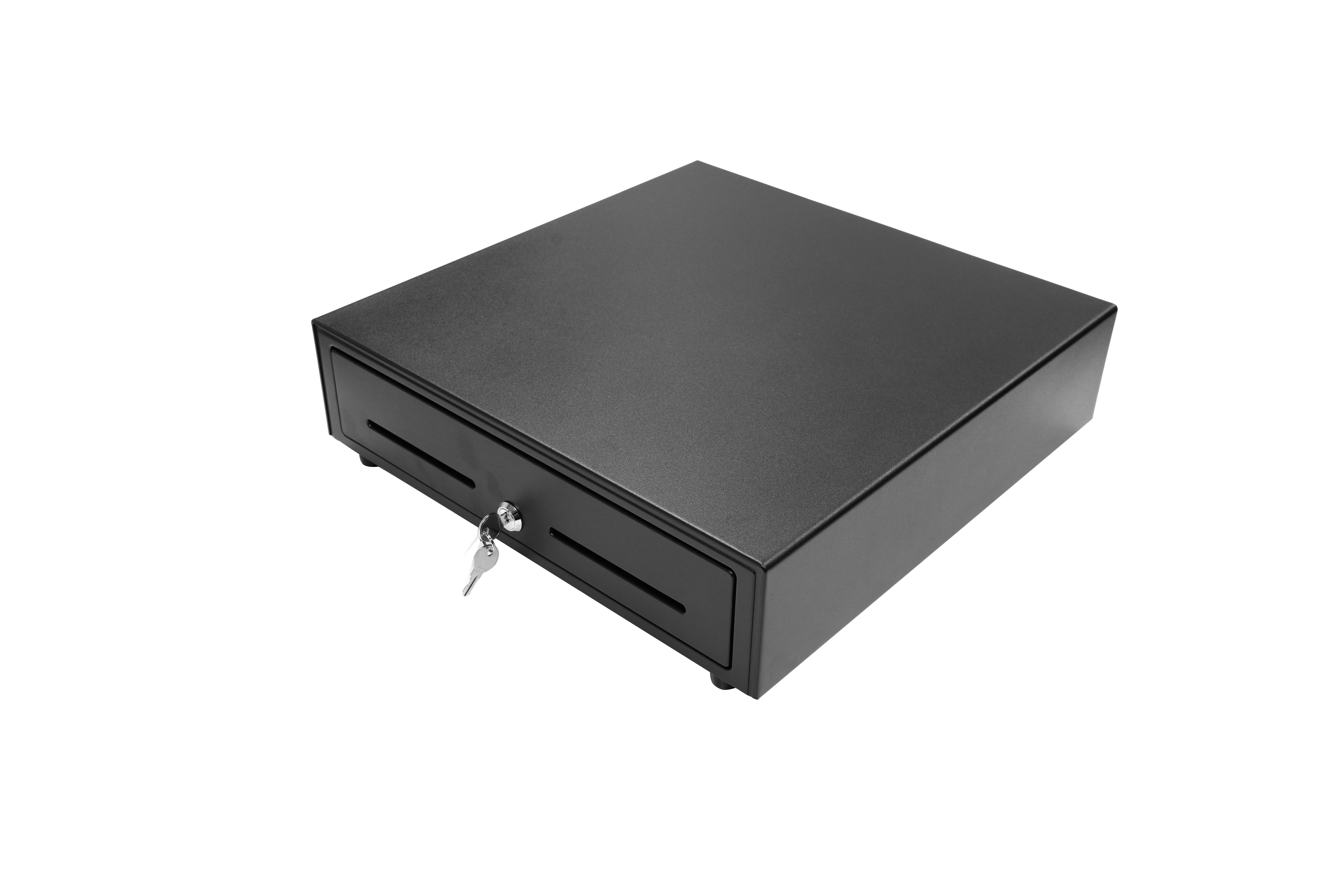
Start here because it costs a minute, needs no tools, and because a key left in the wrong position produces precisely the same symptom as a failed solenoid. Every model covered in this guide — LAS-335, LAS-405 and LAS-410G — is listed with a three-position key lock.
The three positions separate three states: the drawer locked closed, a key-operated manual release, and the state in which the drawer can be released by the electronic trigger. Confirm the sequence printed on your own unit before turning anything, and do not force a key that will not seat.
- Insert the key. If it will not enter smoothly, stop and treat it as a lock fault rather than a drawer fault.
- Turn to the manual-release position and see whether the drawer travels.
- If it opens by key, return the key to the electronically released position and issue the open command from the POS again.
- Remove the key during normal trading. A key left in the barrel invites both accidental locking and tampering.
Reading the result. Opens by key but not from the POS: the lock is healthy, so move to Step 3 and work through the electrical chain. Does not open even by key: the lock, latch or till is jammed, so go straight to Step 5.
Step 2 — Confirm the 12V/24V supply is actually reaching the drawer
Power for a printer-driven drawer normally comes from the drawer port on the receipt printer or POS terminal; some installations use a separate supply. Either way, the check is the same.
- Confirm the printer is powered and printing. A printer that has dropped off the network can still hold a queue and look alive.
- Read the label on the drawer and note whether it is the 12V or the 24V configuration.
- Reseat the interface connector at both ends of the run.
- If a meter is available and site rules permit, measure at the drawer connector while the POS open command is issued.
- Swap the drawer onto a known-good printer or terminal and retest.
Step 3 — Test the RJ11/RJ12 cable and connector
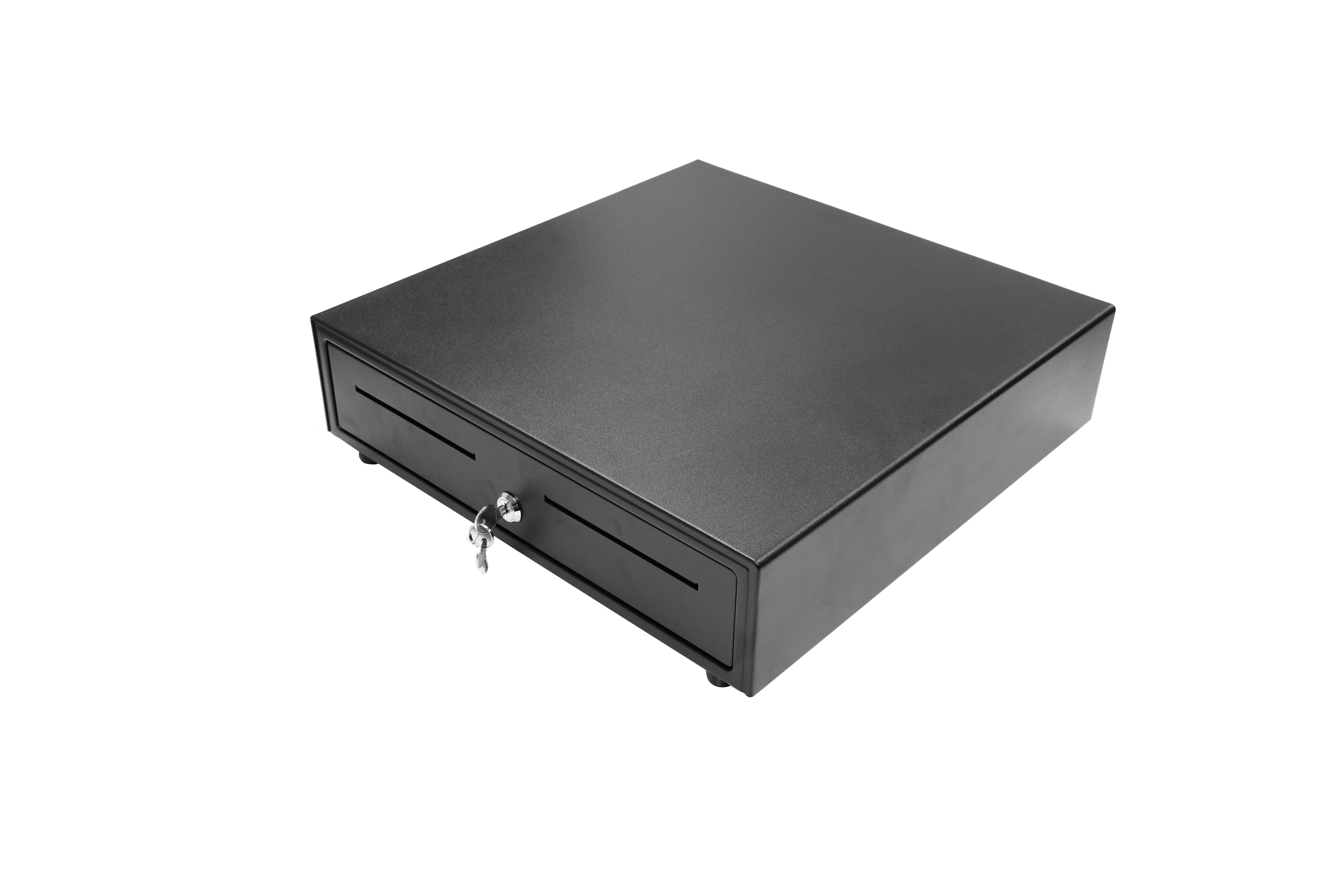
RJ11/RJ12 is a small connector, and small connectors fail in small ways. A broken latch tab, a bent contact, a cable crushed under the counter or pinched by the till, or a plug pushed into the wrong socket on a printer that has two similar ports will all produce a drawer that will not open.
- Reseat both ends until the plug clicks into place.
- Inspect the plug for a missing retention tab, bent pin or corrosion.
- Trace the whole run — under the counter, through the cable channel, behind the till — and look for pinch points.
- Substitute a known-good cable. This is the only reliable test: a cable which passes a visual inspection can still have a broken conductor.
- Keep one spare cable per store, and label both ends so the next person does not chase the wrong lead.
Step 4 — Prove whether the printer or POS is sending the trigger
Once power and cabling are confirmed, the question becomes whether the open command is leaving the POS at all.
- Use the POS software's own "open drawer" test function rather than a normal sale, so the result is not confused by a transaction error.
- Check the printer driver and port assignment, and confirm the drawer-kick option is enabled for that device.
- Correlate the failure with recent changes: a new printer, a new terminal, an operating system or POS update, or a re-configured lane.
- Test the same drawer from a second printer or terminal.
If the drawer opens from a different device, the drawer and cable are most likely serviceable and the fault sits in configuration. For integrators, record the software version, printer model and port at the moment of failure — a supplier cannot diagnose a trigger problem from the words "drawer broken".
Step 5 — Separate a solenoid fault from a latch fault
This step only becomes meaningful after Steps 2 to 4 have passed, because both a dead solenoid and a missing trigger produce silence.
- Mechanical first. Remove the till and retry. Look for a coin or note under the till, a till that is not seated, a bent latch, a worn spring, or a drawer front rubbing against the counter frame.
- Then electrical. No click, with voltage confirmed at the connector and a trigger confirmed from a known-good device, points to the drawer's release mechanism. At that stage the decision is repair or replacement, not another round of testing.
- Click without travel means the solenoid is working — return to the latch and till before ordering any part.
Write down what you found. The finding determines whether you need a cable, a lock, a solenoid or a complete drawer, and that record is also what a supplier will ask for.
Reading the results: repair or replace
| Confirmed finding | What it means | Typical next action |
|---|---|---|
| Opens by key, silent from POS | Lock healthy, trigger chain suspect | Work Steps 2–4; substitute cable, then test from a second device |
| No click from a known-good device with correct voltage | Release mechanism fault | Repair or replace; escalate with the model label and test record |
| Click, no travel | Latch, till or obstruction | Clear the till, inspect the latch, retest before ordering |
| Intermittent, position dependent | Cable or connector damage | Replace the cable; keep a spare on site |
Keeping the lane trading while you decide
A drawer that fails at peak trade is an operational problem before it is a technical one. Two moves protect the queue. First, move the lane to manual cash handling for the rest of the shift: LASPACK's published product page describes the LAS-3024 as a portable cash box with a mechanical deposit-box design and coin clamps for supermarket and mall use — the kind of fallback that keeps a register working while the electronic drawer is out of service. Second, keep cash handling dual-controlled for the interim, with the same reconciliation discipline as the till.
At the same time, assemble the escalation pack so a supplier can respond on the first reply: photographs of the model label and connector, the model name, the stated voltage, the cable type, the POS or printer model, the exact time of failure, and a list of the checks already completed.
Confirming replacement fit: LAS-335, LAS-405 and LAS-410G
A replacement drawer has to satisfy six numbers, not one: width, depth, height, weight, compartment count and electrical interface. Dimensions decide whether it fits the counter opening; compartments decide whether it fits your cash mix; the interface decides whether your printer can open it at all.
| Model | Dimensions (W×L×H) | Net / gross weight | Compartment layout | Lock and interface |
|---|---|---|---|---|
| LAS-335 | 335 × 368 × 80 mm | 3.4 kg / 3.8 kg | 4 bills, 3/5 coins | Three-position lock; 12V/24V RJ11/RJ12 |
| LAS-405 | 405 × 420 × 100 mm | 4.5 kg / 5 kg | 5 bills, 6 coins | Three-position lock; 12V/24V RJ11/RJ12 |
| LAS-410G | 410 × 415 × 100 mm | 5.6 kg / 6.2 kg | 5 bills, 8 coins | Three-position lock; 12V/24V RJ11/RJ12; steel panel |
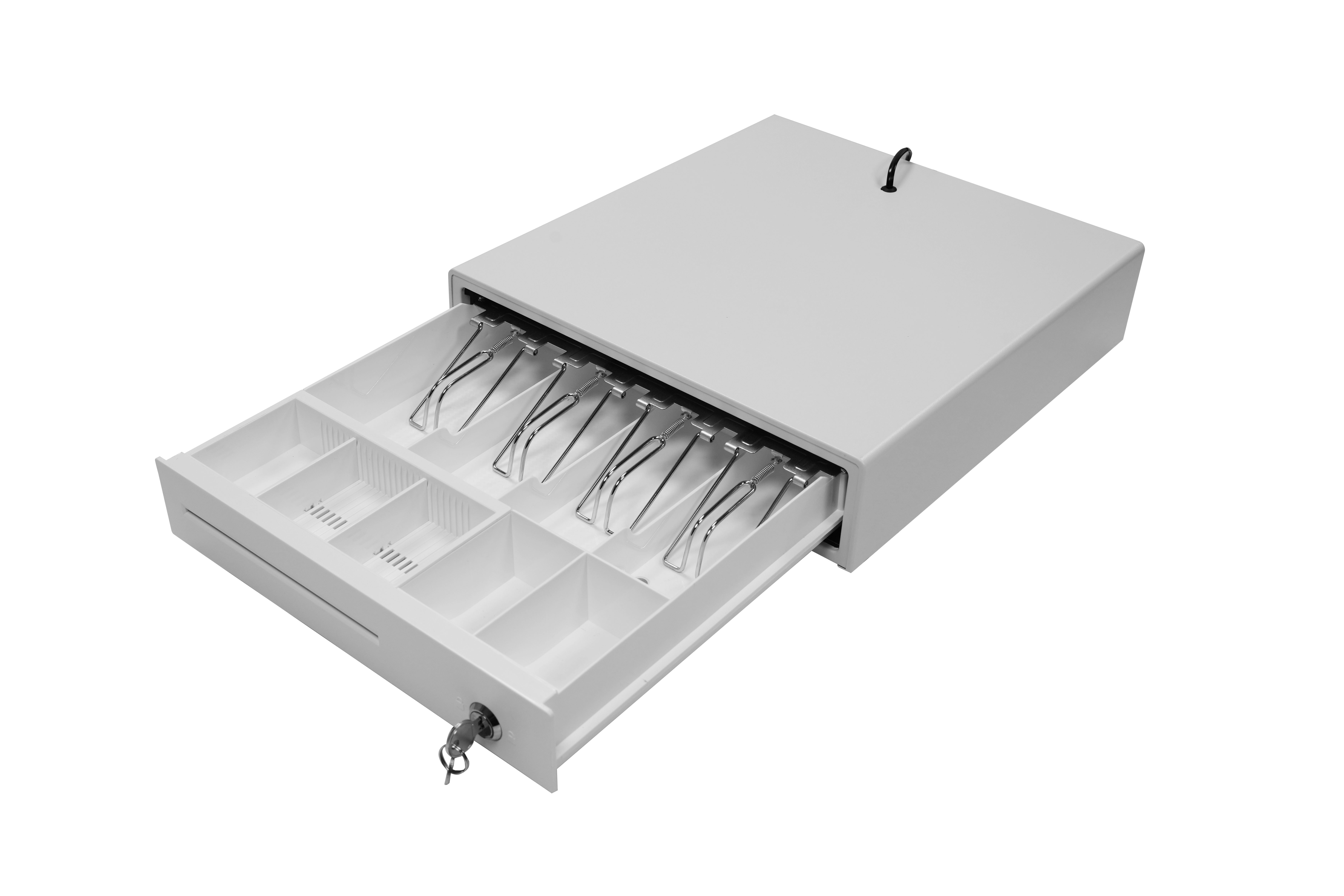
Height is the constraint that gets missed. The LAS-335 is 80 mm high, while the LAS-405 and LAS-410G are both 100 mm. A shallow counter cutout or a drawer shelf with a rail behind it may accept the small unit and reject the two larger ones, even where the footprint appears to match.
Similar footprints carry different layouts. The LAS-405 and LAS-410G sit within 5 mm of each other in width and depth, but they are not interchangeable in use: the LAS-405 offers 5 bill and 6 coin compartments, the LAS-410G offers 5 bill and 8 coin compartments. A like-for-like size swap can therefore change how the cash is organised on the lane, which matters most where coin volumes are high.
Weight signals construction, not just mass. The LAS-410G lists a steel panel and weighs 5.6 kg net, against 4.5 kg for the LAS-405, whose specification line does not state a panel material. Within the same 410 × 415 × 100 mm footprint, LASPACK also lists the LAS-410A at 6.5 kg with a steel panel — a reminder that a dimension match does not guarantee a weight match, and that the counter shelf and drawer runners should be checked against the unit you actually order.
Layout variants exist inside one size. The LAS-4042 shares the 405 × 420 × 100 mm dimensions of the LAS-405 but carries 6 bill and 4 coin compartments. If your lane reconciliation depends on a specific note and coin split, quote the layout, not only the size.
Fit checks to run at the counter before you order
- Measure the counter opening and the available under-counter height, not just the old drawer.
- Measure the clearance in front of the unit for the drawer to travel fully open, including cashier legroom.
- Confirm the note and coin split your reconciliation actually uses against the compartment layout.
- Decide whether you intend to reuse existing till inserts; that compatibility should be confirmed rather than assumed.
- Check which side the key is reached from and whether the cashier or the customer can access the barrel.
- Confirm the cable route from the printer to the drawer, and the length required for that route.
- Read the voltage on the label and match it to the printer or terminal.
- Weigh the unit plus a full cash load against the shelf or drawer runner rating.
What changes by venue: retail, restaurant, supermarket and hospitality
Convenience and small-format retail. Counter space is usually the binding constraint, which points toward the 80 mm-high LAS-335 with its 4 bill and 3/5 coin options. Keep a spare cable and a spare key on site; with one lane, an unnoticed cable fault closes the store's cash operation.
Restaurants. Drawers sit at a service counter where staff reach across them constantly, so drawer travel clearance and cable routing matter as much as capacity. A 335 or 405 layout generally suits a single service point; the risk to watch is a connector left hanging near the floor, where spills and cleaning reach it.
Supermarkets. High transaction counts per lane and coin-heavy reconciliation favour the LAS-410G with its 8 coin compartments and steel panel, provided the 100 mm height and 5.6 kg net weight suit the counter. Where several lanes run the same model, standardising on one part number shortens every future swap.
Hospitality front desks. Fewer opens per shift but higher values and, often, multiple currencies or large notes. Compartment layout and key control matter more than cycle volume here, and the three-position lock discipline described in Step 1 should be part of the shift handover.
Supplier questions to ask when the fault points to a hardware defect
Once Steps 2 to 5 show that the drawer itself has failed, the conversation shifts from diagnosis to procurement. These are the questions worth putting in writing, with the reasoning behind each.
- Which exact model and revision are you quoting? Dimensions alone do not identify a unit — the LAS-4042 and LAS-405 share a 405 × 420 × 100 mm footprint but carry different compartment layouts.
- What is the solenoid specification for this model? LASPACK lists 12V/24V RJ11/RJ12 across the range; confirm the rated voltage for the specific unit against your printer's output.
- Can you share the durability test report? The company states that its cash drawers have passed 1,000,000-cycle durability tests; ask for the test method, load conditions and pass criteria behind that figure.
- Which certificate numbers, and which models do they cover? The company states CE, RoHS and FCC certification for its cash drawers; request certificate numbers, issuing bodies and the product scope each document covers.
- Which spare parts are available? Solenoid, lock cylinder, key blanks and till inserts. If these are not offered, a five-year fleet plan quietly becomes a replacement programme.
- What is the MOQ and the order multiple? LASPACK lists a minimum order of 100 pieces.
- What is the lead time for this model at this quantity? LASPACK lists 10–15 days.
- What capacity sits behind a repeat order? Monthly capacity is listed at 40,000 pieces, which is the figure to test against your rollout schedule.
- What does the warranty cover, and who is the contact? The company lists an after-sales warranty, remote support and technical guidance; ask what is covered and through which channel.
- Can the unit be customised to our standard? OEM/ODM options include voltage and logo customisation, which matters if your fleet is standardised on a branded panel.
- Can you provide references at our scale? LASPACK reports a five-year OEM programme in Indonesia covering 50,000 units, with stable operation and a smooth checkout process attributed to a high-sensitivity solenoid, durable steel structure and POS compatibility. Ask for references relevant to your own volume and region.
Frequently asked questions
What documentation should we request before installing a replacement cash drawer?
Ask for the certificate numbers, issuing bodies and product scope for any compliance claim, and for the durability test report behind any cycle-life figure — LASPACK states CE, RoHS and FCC certification and a 1,000,000-cycle durability test for its cash drawers, and a document request is the correct way to verify scope for your specific model. In parallel, confirm in writing the rated voltage and connector type of the unit you are ordering, because 12V and 24V versions and RJ11/RJ12 terminology are both used across the category.
Can a replacement drawer be supplied already matched to our printer's voltage and connector?
LASPACK lists 12V/24V operation over an RJ11/RJ12 receipt-printer interface for the LAS-335, LAS-405 and LAS-410G, and offers OEM/ODM customisation that includes voltage. The practical sequence is to read the printer's drawer-port specification and the failed unit's label, confirm both in the RFQ, and validate the pairing on arrival — a matching connector does not by itself prove electrical compatibility.
What drives the cost of replacing a failed drawer rather than repairing it?
Cost is driven by model size and construction, compartment layout, whether the panel is steel, any customisation such as logo or voltage, the order quantity against the 100-piece MOQ, and the freight basis. There is no single list price that answers this, so request an itemised quotation for the specific model and quantity, and compare it against the cost of downtime on the affected lane rather than against the unit price alone.
Can we test a unit against our own printer before committing to a full order?
Yes — request a sample unit and run the same five checks used in this guide on your own equipment: three-position lock operation, voltage match, cable and connector, trigger from your POS, and physical fit in the counter. Confirm the sample terms with the supplier directly, since sample arrangements are quoted per project rather than published.
How quickly can replacement units be supplied once a defect is confirmed?
LASPACK lists a lead time of 10–15 days and a monthly capacity of 40,000 pieces, with a 100-piece minimum order. Treat those figures as the starting point and confirm them for your specific model and quantity, then hold at least one spare drawer and one spare cable per site so that a single failure does not stop trade.
Conclusion: diagnose in order, then buy on fit
A cash drawer that will not open is rarely a mystery once the failure is sorted into a signature. Check the three-position key lock first, confirm the 12V/24V supply, test the RJ11/RJ12 run, and prove whether the printer or POS is sending the trigger — in most incidents the answer appears before any part is ordered. Only when a confirmed trigger and confirmed voltage still produce silence does the drawer itself become the suspect.
When replacement is the answer, buy on fit rather than on resemblance: 80 mm versus 100 mm of height, 6 versus 8 coin compartments, 4.5 kg versus 5.6 kg with a steel panel. The LASPACK range covers all three footprints discussed here, and the company's technical team can confirm voltage, layout and lead time for a specific lane before you commit. For a fuller specification overview, the LASPACK product brochure is available to download, and sample or quotation requests can be raised directly with the supplier.
Have Questions or Need More Details?
Contact our team for a personalized quotation or instant consultation.
Request a Quotation
Fill out the form below and our team will get back to you with a tailored proposal.
WhatsApp Direct Chat
Prefer to chat in real-time? Message us on WhatsApp for instant assistance & quick answers.
- Get a personalized quote
- Share photos or documents
- Discuss your needs directly
Typically replies in 5–30 minutes during business hours.