
Cash Drawer Won't Open During Checkout? A Step-by-Step Troubleshooting Guide for POS Integration
A cash drawer that will not open stops the sale, not just the hardware. This guide follows the fault-finding order a trained POS technician uses — key lock position, the RJ11/RJ12 drawer-kick connection, 12V/24V trigger matching, hardware isolation, and the software command — then closes with a prevention checklist for retail, restaurant, supermarket, and hospitality checkout environments.
A drawer that fails at 6 p.m. on a Saturday is not the same problem as a drawer that fails during a quiet mid-week afternoon. The first creates a queue, a manual cash-handling workaround, and a security exposure; the second is a maintenance ticket. Both, however, usually trace back to the same short list of causes — and almost none of them sit inside the metal box itself.
This article is written for retail operations managers, store IT staff, POS integrators, and distributors who field these faults across multiple sites. Work through it in order: each step removes one layer of the chain, and each is faster and cheaper than the one that follows.

What "Cash Drawer Won't Open" Actually Means
The single phrase covers at least three different faults, and each one needs a different fix. Treating them as a single problem is the main reason drawers get replaced when they never needed to be.
1. The drawer receives no trigger
The solenoid inside the drawer never fires. Nothing happens when the operator completes the sale — no movement, and usually no sound. The cause sits in the electrical or command chain: the drawer is connected to the wrong port, the cable is damaged or wired differently from the drawer's requirement, the printer is not configured to send a drawer-kick pulse, the driver setting is off, or the trigger voltage does not match the drawer.
2. The drawer receives the trigger, but the latch does not release
The operator may hear a click or feel a small movement, but the drawer stays shut. This is mechanical: a latch or roller that has worn, a coin or folded note lodged behind the release mechanism, a front panel pushed out of alignment, or compartments loaded so full that the contents press against the drawer face and hold it closed.
3. The drawer is being held locked
The hardware is fine and the POS chain is fine, but the drawer is mechanically locked — most often because the key lock was left in a position that overrides the electronic release after a shift change, a cleaning round, or a key handover. This is the fastest of the three faults to resolve and the slowest to think of under checkout pressure.
Why the order matters: unmanaged parts-swapping — new cable, then new drawer, then new printer — costs more than the original fault and leaves the root cause in place. When the same fault returns two weeks later on the same lane, that is the signature of a chain problem that was never isolated.
Why Drawer Failures Cluster Around the POS Interface, Not the Box
Cash drawers are among the most widely deployed peripherals in retail, and the shape of the installed base tells you where failures concentrate. The global cash drawer market was valued at approximately USD 0.855 billion to USD 0.96 billion in 2024–2025, with growth driven largely by digital transformation in retail (Dataintelo / Global POS Cash Drawer Market Report). The market is projected to reach between USD 1.23 billion and USD 1.7 billion by 2033–2034, representing a CAGR of approximately 4.1% to 4.2%, while Asia Pacific held a revenue share of roughly 38.2% in 2025 (Market Intelo).
The composition of that base matters more than its size. Electronic cash drawers account for approximately 62.5% of total market revenue. An electronic drawer is not a self-contained device: it depends on a receipt printer or POS terminal to deliver a trigger pulse through a drawer-kick port. Every link in that chain — printer firmware, port assignment, cable wiring, driver setting, solenoid — is a point where the chain can break. That is why "the drawer is broken" so often turns out to be an interface problem a five-minute check would have found.
Durability expectations are equally structured. Industry standards distinguish between Standard Duty drawers, rated for 1 million cycles, and Heavy Duty drawers, rated for 4 million or more cycles (APG Cash Drawer). Cycle rating is the specification that ties a drawer to its lane: a high-traffic supermarket till consumes a large share of a standard-duty rating within a single operating year, while a hospitality front desk may never come close to it.
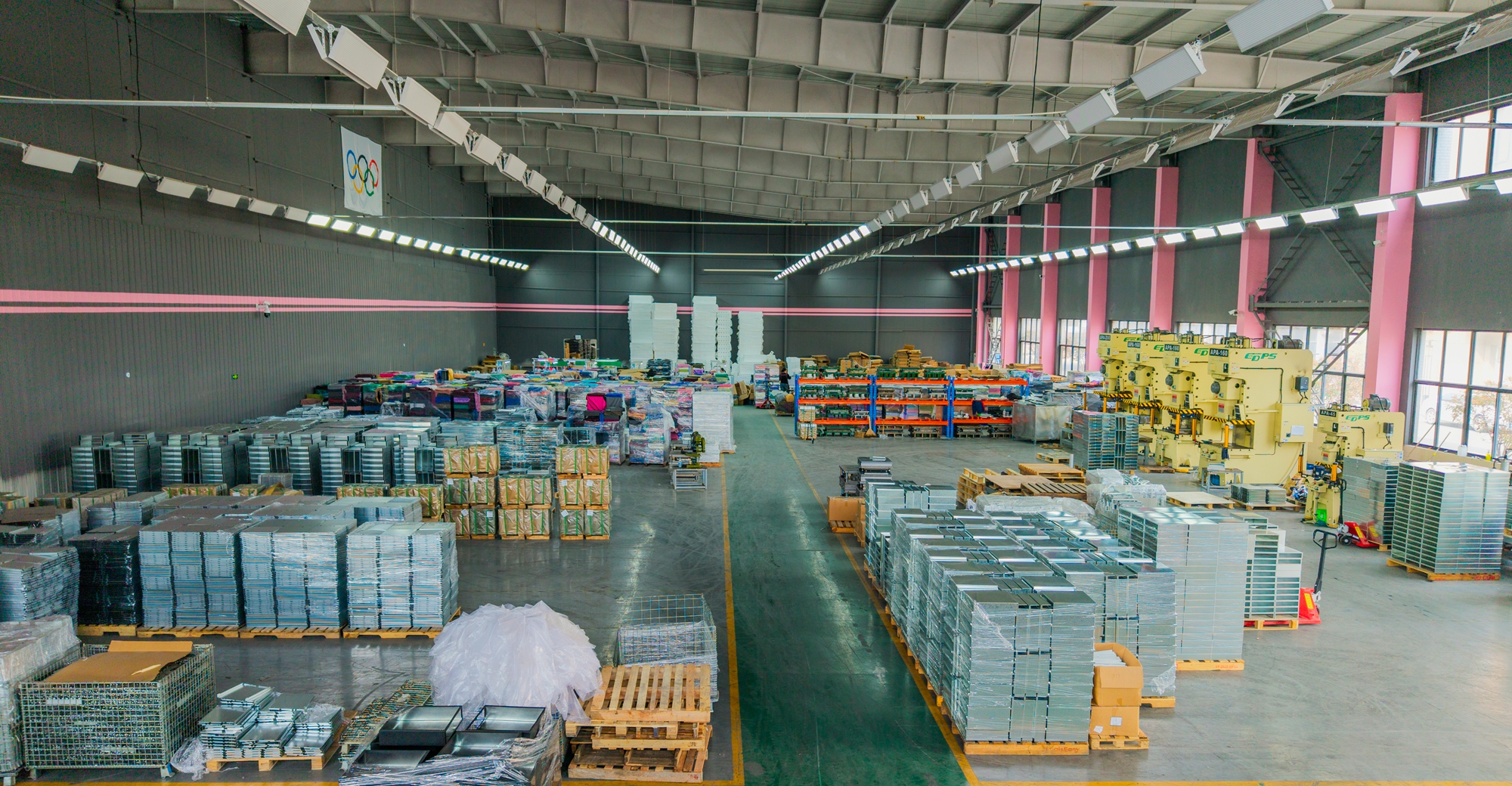
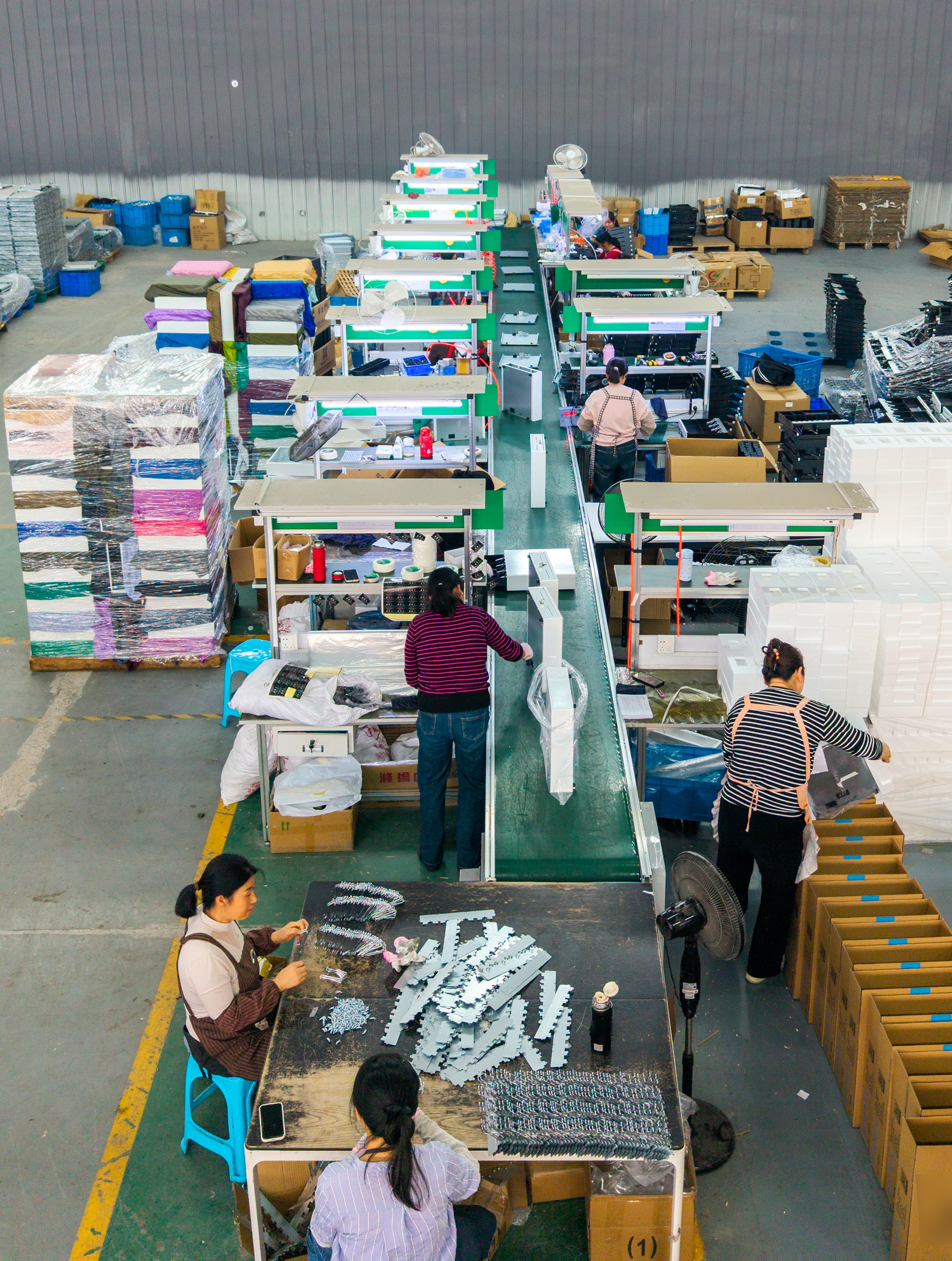
LASPACK (Zhangjiagang Laspack Technology Co., Ltd., www.laspack.com) is a cash drawer and cash box manufacturer based in Zhangjiagang City, Suzhou, Jiangsu Province, China, founded in 2013. The company operates a 4,200 m² facility with 50 employees, a 10-engineer R&D team, and an annual output of 400,000 units, exporting approximately 70% of its production to more than 100 countries and regions. LASPACK cash drawers are tested to a 1,000,000-cycle durability standard and hold CE (M2506016AY-C0127), RoHS (M2506016AY-C0128), and FCC certifications.
What Reduces Drawer Failures: Design, Testing, and Supply Factors
Once you accept that most "won't open" incidents begin in the electrical or interface chain, the supplier-side question becomes concrete: was the drawer built with protection in that chain, was every single unit tested before it shipped, and can the same build and spare parts be supplied for the life of the deployment?
Overcurrent protection in the electrical path
LASPACK's risk-control approach for mechanical failure relies on overcurrent protection in the drawer's electrical path. For an operator, that is the difference between a drawer that fails safely when a trigger or power anomaly occurs and one that fails permanently and needs replacement.
100% pre-shipment functional test
Every unit undergoes a pre-shipment functional test — not a sample check. For a chain rolling out across dozens of lanes, this converts directly into fewer out-of-box failures and fewer mid-rollout surprises, which is where deployment cost actually accumulates.
A cycle rating matched to checkout traffic
LASPACK drawers are certified for 1,000,000 cycles and passed the corresponding durability testing, which aligns with the industry's Standard Duty tier. Matching that rating to the lane, rather than to the purchase price, is one of the most effective ways to avoid premature latch and release failures.
Capacity that supports repeat orders, not only first orders
Production capacity is a maintenance issue, not just a purchasing one. A monthly production capacity of 40,000 pieces means a buyer can source replacement units and standard spare parts from the same production stream as the original order, instead of re-qualifying a new model when a lane goes down. A 10-engineer R&D team supports this with full customization — product color, silk-screen or stamped logos, and packaging — to customer requirements.
Electronic drawer design with POS linkage
LASPACK's electronic cash drawer uses an electric pop-up mechanism with POS linkage and higher security than a manual cash box. In the company's own comparison data, the electronic drawer delivers 90% faster access and three times longer service life than a manual cash box, with minimal maintenance, easy parts replacement, and 100% power efficiency for electric operation.
Step-by-Step Troubleshooting: From Key Lock to POS Command
Work through the following steps in sequence. Each one eliminates a layer of the chain, and each is faster and cheaper than the one after it. In most cases the fault is identified by step four.
Step 1 — Check the key lock position before anything else
POS cash drawers generally use a multi-position key lock, and the drawer's behaviour changes with the position of the key: one position holds the drawer mechanically shut, another allows the electronic pulse from the POS chain to release it, and a manual position lets staff open the drawer with no power and no POS command. Exact positions and their functions vary by model, so confirm them against the drawer's own documentation rather than assuming every unit behaves identically.
If the fault appeared immediately after a shift change, a cash-handling procedure, or a key handover, check this first. It takes seconds and eliminates a very common false alarm.
Step 2 — Verify the RJ11/RJ12 drawer-kick connection
In most POS configurations the drawer is triggered by the receipt printer through a drawer-kick (DK) port, which is typically an RJ11 or RJ12 modular socket. Four checks, in this order:
- The cable is in the DK port — not in a customer-display socket, a cash-drawer sensor port, or another modular socket on the same printer.
- The connector is fully seated with the retention clip engaged. A partially inserted plug can work intermittently and fail under vibration or when the counter is wiped down.
- The cable is not pinched, sharply bent, or strained by the counter edge, a moving till, or a cashier's foot area.
- The cable matches the drawer. RJ11/RJ12 drawer cables are not wired identically by every vendor, and a cable that physically fits can carry the trigger on the wrong pin.
Before blaming the drawer, swap in a known-good cable. Keeping one on site as a diagnostic spare is the cheapest troubleshooting tool in the store.
Step 3 — Match the trigger voltage: 12V vs 24V
Cash drawer solenoids are commonly designed around a 12V or a 24V DC trigger, and the drawer must match what the printer or terminal provides. As a general rule, a drawer built for a 12V trigger driven by a 24V pulse is being over-driven, while a 24V drawer fed by a 12V pulse may not pull hard enough to release the latch consistently — which produces exactly the kind of intermittent "sometimes it opens, sometimes it doesn't" fault that worsens during peak checkout.
Confirm the trigger specification against the drawer's own product documentation rather than against a model name from a different series. If the printer supports both, check that its drawer-kick setting matches the drawer now installed, not the unit it replaced.
Step 4 — Isolate hardware from software
Use the manual release to confirm the drawer's mechanical path moves freely. Then trigger the drawer from the printer's own hardware test or self-test routine instead of from the POS sale screen. If the drawer opens on a hardware test but not during a sale, the fault sits in the software or configuration layer — skip to step 5. If it fails on both, the problem is in the hardware chain and step 6 applies.
Step 5 — Check the software and driver layer
Common configuration causes of a drawer that will not open at the point of sale:
- The cash-drawer trigger option is disabled or unset in the receipt printer driver.
- The drawer is mapped to a printer other than the one it is physically connected to — a frequent issue after a terminal or printer is replaced.
- The receipt template or transaction type used at that lane does not include the open-drawer command.
- The POS runs on a terminal that has no DK port, while the drawer is connected to a different device on the network.
Test by printing a receipt from the application that is supposed to fire the drawer. If several lanes fail at once, suspect a shared change — a driver update, a replaced printer model, or a peripheral remapping — rather than several simultaneous hardware failures.
Step 6 — Inspect the mechanical path
If the solenoid fires but the drawer stays closed, the blockage is physical. Check for compartments loaded so full that contents press against the drawer face; a coin, note, or foreign object lodged behind the latch; a front panel bent by a trolley, cleaning equipment, or a delivery crate; wear in the latch, roller, or release lever; and debris in the slide path. Empty the drawer, clear the obstruction, close it, and retest. If the fault remains after clearing, the latch or release assembly has worn to the point of replacement — that is a parts case, not a configuration case.
Step 7 — Escalate with structured evidence
If you need supplier support, send the information that makes diagnosis possible in a single pass: drawer model and serial number, purchase date and batch if available, the POS terminal and receipt printer model, cable type, trigger voltage, the difference between hardware-test and POS-test behaviour, whether the key lock position was verified, and the lane's typical transaction volume. That package removes the "send it back and we'll see" cycle and usually produces a spare-part or replacement decision in days rather than weeks.
For operators running multiple sites, step 7 is also where troubleshooting turns into a supply decision. The right question is not only how quickly one drawer can be replaced, but whether the supplier can keep the identical build, cable specification, and spare parts available for the full deployment lifecycle — one model, one interface standard, one source of spares across every lane.
Where This Failure Shows Up: Retail, Supermarket, Restaurant, and Hospitality
Single-store retail checkout
With one or two lanes, a drawer that will not open immediately stops the cash portion of the sale. The usual causes are a cable moved during cleaning, a driver setting changed after a software update, or a key left in a non-release position after a shift handover.
Supermarkets and high-volume lanes
High cycle counts expose two things: latch and roller wear, and compartment overloading. Both shorten the working life of the drawer, and both are best managed by matching the cycle rating to the lane and standardising the model across checkout positions so that spares fit everywhere.
Restaurants and quick-service counters
Fixed, space-constrained counters produce cable strain and pinched leads. Intermittent faults that appear only during rush periods are often the result of a connector that is seated but not fully latched, combined with a trigger voltage already at the edge of the drawer's requirement.
Hospitality front desks
Transaction volumes are lower, but cash handling is continuous and shift-based. Key lock position errors are the most frequent cause here, followed by manual-release confusion when staff have not been trained on the fault procedure.
Distributor and service networks
When the same fault appears across multiple lanes or multiple customer sites, the pattern points to a supply-side consistency question — build variance, cable specification, or documentation — rather than to individual worn units. That is when a supplier's production capacity, testing regime, and customization control become the deciding factors in the distribution relationship.
Electronic POS Cash Drawer vs Manual Cash Box at the Checkout
The comparison below reflects LASPACK's product comparison data between its electronic cash drawer and a manual cash box. It is useful when a fault review turns into a specification review.
| Comparison criterion | Electronic POS cash drawer | Manual cash box |
|---|---|---|
| Opening method | Electric pop-up with POS linkage | Manual handling |
| Security level | Higher security | Lower security |
| Access speed | 90% faster access | Baseline |
| Service life | 3x longer service life | Baseline |
| Relative cost | 3% higher cost | Baseline |
| Work efficiency | 5x higher work efficiency | Baseline |
| Maintenance | Minimal maintenance, easy parts replacement | Baseline |
| Power efficiency | 100% power efficiency for electric operation | Not applicable |
| Best-fit environments | Retail stores, supermarkets, POS checkout counters, catering businesses | Low-volume manual cash handling |
Read as a troubleshooting document, the table makes one point clear: the electronic drawer's advantages sit in speed, security, and service life, while its failure modes sit in the electrical and interface chain. That is why the diagnostic sequence above spends most of its steps on power, cabling, and configuration rather than on the metal box.
Quick-reference fault table
| Symptom at the till | Most likely layer | First action |
|---|---|---|
| No sound, no movement, drawer fully inert | Key lock position or trigger chain | Verify lock position, then check the RJ11/RJ12 connection and DK port |
| Works from the printer's hardware test, not from the sale screen | Software / driver configuration | Check the driver's cash-drawer setting and printer mapping |
| Audible click, drawer stays closed | Mechanical latch or overloading | Empty the compartments, clear the latch area, retest |
| Works intermittently, worse at peak hours | Trigger voltage mismatch or partially seated cable | Confirm 12V/24V compatibility and reseat or replace the cable |
| Multiple lanes fail on the same day | Shared configuration or hardware change | Review recent driver updates and printer replacements |
FAQ: Compliance, Capability, Commercial Terms, Sampling, and Supply
Are LASPACK cash drawers compliant for retail and hospitality POS deployment?
LASPACK cash drawers hold CE (M2506016AY-C0127), RoHS (M2506016AY-C0128), and FCC certifications and are tested to a 1,000,000-cycle durability standard. Measured against the industry classification that separates Standard Duty drawers (rated for 1 million cycles) from Heavy Duty drawers (rated for 4 million or more cycles), that certified rating aligns with the Standard Duty tier — a level suited to many retail, restaurant, and hospitality checkout lanes, where CE, RoHS, and FCC documentation is commonly requested during procurement.
Can LASPACK support spare parts, after-sales needs, and customized builds?
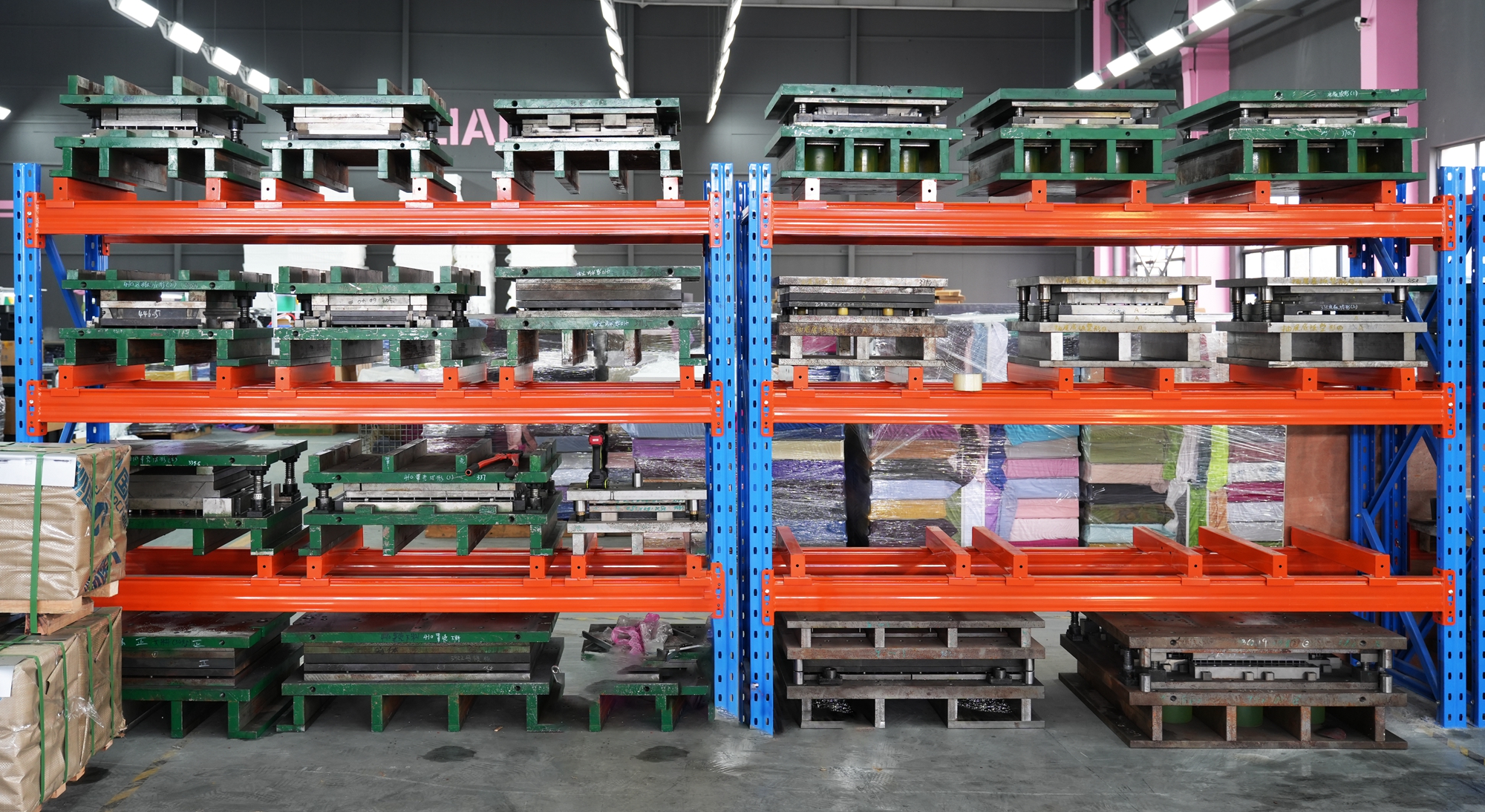
LASPACK operates a 4,200 m² manufacturing facility with a 10-engineer R&D team and provides full customization to customer requirements, including product color, silk-screen or stamped logos, and packaging. Two production controls matter directly to after-sales performance: overcurrent protection in the drawer's electrical path, and a 100% pre-shipment functional test on every unit rather than on a sample. Monthly production capacity of 40,000 pieces supports both large-scale orders and repeat orders of the same build, which is what keeps spare-part supply consistent across a fleet.
What are the commercial terms, and how should buyers read the cost difference?
LASPACK's purchasing terms are: MOQ 100 pcs; delivery terms EXW / FOB / CIF; acceptance criteria based on pre-shipment test; and payment terms of 30% T/T deposit with 70% T/T balance before shipment. On relative cost, LASPACK's comparison data places the electronic cash drawer at approximately 3% higher cost than a manual cash box while delivering 5x higher work efficiency — so the more useful budget comparison is cost per transaction and downtime avoided, not unit price in isolation.
How should a buyer validate a cash drawer before a multi-lane rollout?
Validate on the real POS chain, not on a bench. Request a sample unit and test it with the exact receipt printer, driver version, cable type, and trigger voltage that will be used in the field — that is the combination in which interface faults, the most common cause of a drawer that will not open, actually appear. Acceptance criteria are anchored on pre-shipment testing, and the full product range plus specifications can be reviewed in the LASPACK catalog: download the LASPACK cash drawer brochure.
What production capacity and long-term supply continuity can LASPACK offer?
Monthly production capacity is 40,000 pieces, which supports large-scale orders and planned replenishment rather than one-off purchases. LASPACK has manufactured cash drawers and cash boxes since 2013 and exports approximately 70% of its output to more than 100 countries and regions, so distributors, chain operators, and POS system wholesalers can plan replenishment and spare parts around a consistent product build instead of re-qualifying a new model each season. To request a sample, ask for a quotation, or discuss distribution terms, contact LASPACK at lena@laspack.com, +86 13962212810, or WhatsApp +852 98740600.
The Prevention Checklist: Keeping Checkout Lanes Open
Prevention in this category is mostly administrative, and it is cheap. The checklist below is built from the failure patterns described above and is designed to be used as a store setup standard rather than a one-off fix.
- Standardise one drawer model, one cable specification, and one trigger voltage per chain. Record all three in the store setup sheet so that a replacement printer cannot silently change the drawer's trigger behaviour.
- Make key lock position part of shift handover. The most common false alarm is a key left in a position that overrides the electronic release.
- Keep one known-good RJ11/RJ12 cable on site as a diagnostic spare. Cable substitution identifies connection faults faster than any other test.
- Train every operator on the manual release. During any fault, staff must be able to reach cash without disassembling the counter.
- Log every drawer fault with lane, terminal, printer, and symptom. A repeated pattern across lanes is a supply-consistency signal, not a run of bad luck.
- Match cycle rating to lane volume. Standard Duty drawers rated for 1 million cycles cover the majority of lanes, while heavy-duty tiers rated for 4 million or more cycles exist for the highest-traffic environments.
- Verify compliance documentation at procurement. CE, RoHS, and FCC certifications belong in the purchase record, not in a folder discovered during an audit.
- Choose for lifecycle, not for the first order. Capacity to repeat the same build, spare-part availability, and customization control determine whether a fleet stays standardised over the deployment period.
A cash drawer that will not open is usually not a broken cash drawer. It is a break in the chain between the POS command and the latch — a key position, a modular cable, a trigger voltage, a driver setting, or a worn latch. Diagnosing in the order above resolves most incidents without replacing anything, and it produces the evidence needed when a part genuinely does have to come out. The second half of the answer is supply-side: overcurrent protection, a 100% pre-shipment functional test, a certified 1,000,000-cycle rating, and 40,000-piece monthly capacity are what keep the same fault from recurring across an entire fleet.
Next Step: Validate on Your Own POS Chain
Before a multi-lane rollout, test a LASPACK cash drawer against the printer, driver, cable, and trigger voltage you actually run in the field. Request a sample, a quotation, or distributor terms:
Email: lena@laspack.com | Tel: +86 13962212810 | WhatsApp: +852 98740600
Download the LASPACK cash drawer catalog (PDF) | www.laspack.com
Have Questions or Need More Details?
Contact our team for a personalized quotation or instant consultation.
Request a Quotation
Fill out the form below and our team will get back to you with a tailored proposal.
WhatsApp Direct Chat
Prefer to chat in real-time? Message us on WhatsApp for instant assistance & quick answers.
- Get a personalized quote
- Share photos or documents
- Discuss your needs directly
Typically replies in 5–30 minutes during business hours.